
This post contains affiliate links. If you buy through them, Securely Sorted may earn a commission at no extra cost to you. As an Amazon Associate, we earn from qualifying purchases. Learn more.
Small businesses are attractive targets because they have money and data but usually no IT department. The good news: a handful of basic steps stops most common attacks. Work through this list over a week or two.
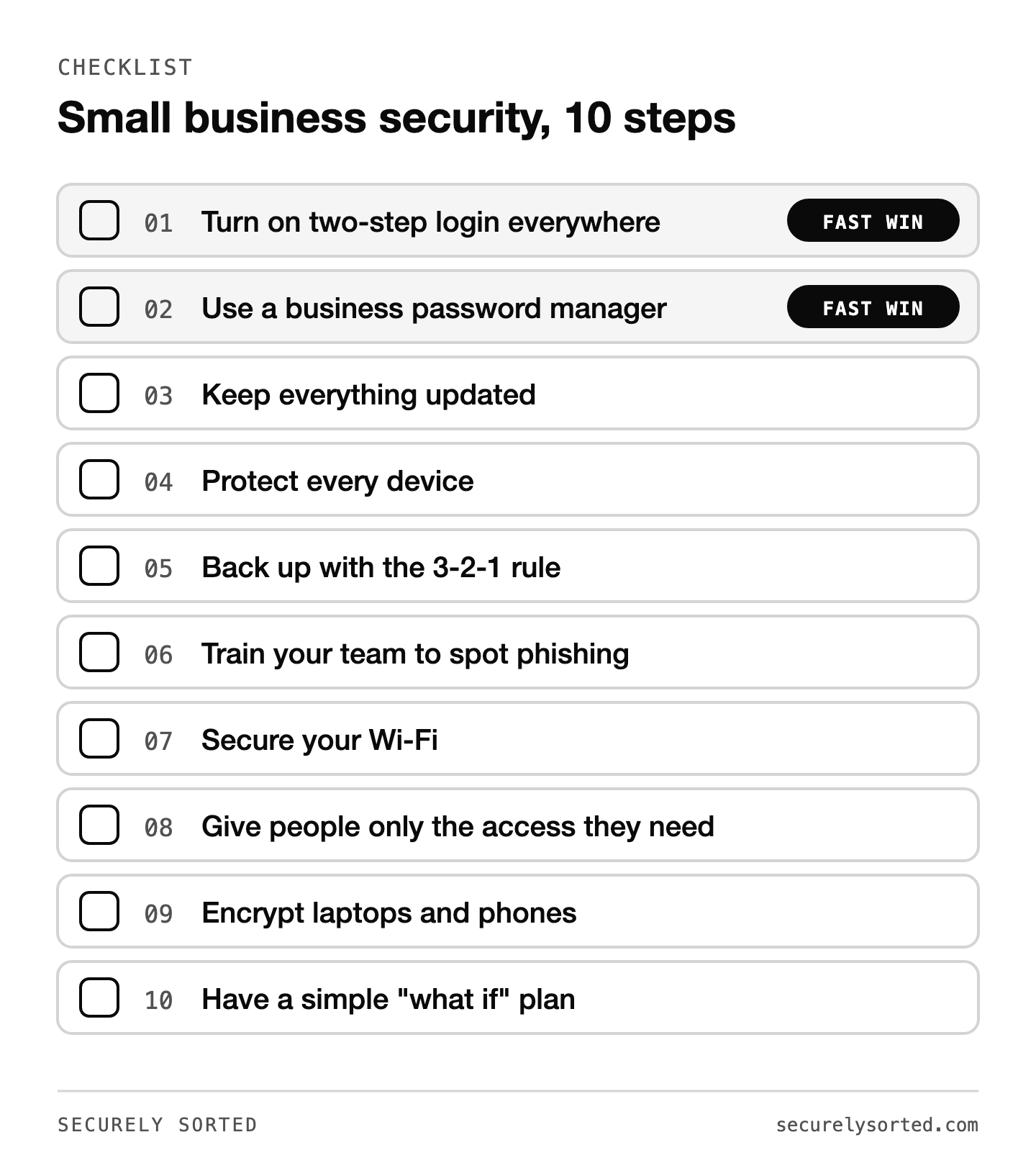
1. Turn on two-step login everywhere
Start with business email, banking, payroll, and anything that holds customer data. This single step blocks most account takeovers, even when a password leaks.
2. Use a business password manager
Shared spreadsheets of passwords are a common weak spot. A business password manager gives each person their own vault, lets you share logins safely, and lets you remove access instantly when someone leaves. Options include 1Password Business and NordPass Business.
3. Keep everything updated
Turn on automatic updates for computers, phones, browsers, your website, and any plugins. Most attacks use security holes that already have a fix.
4. Protect every device
Every computer that touches business data should have reputable antivirus. Business plans from companies like Bitdefender or ESET let you manage all devices from one dashboard.
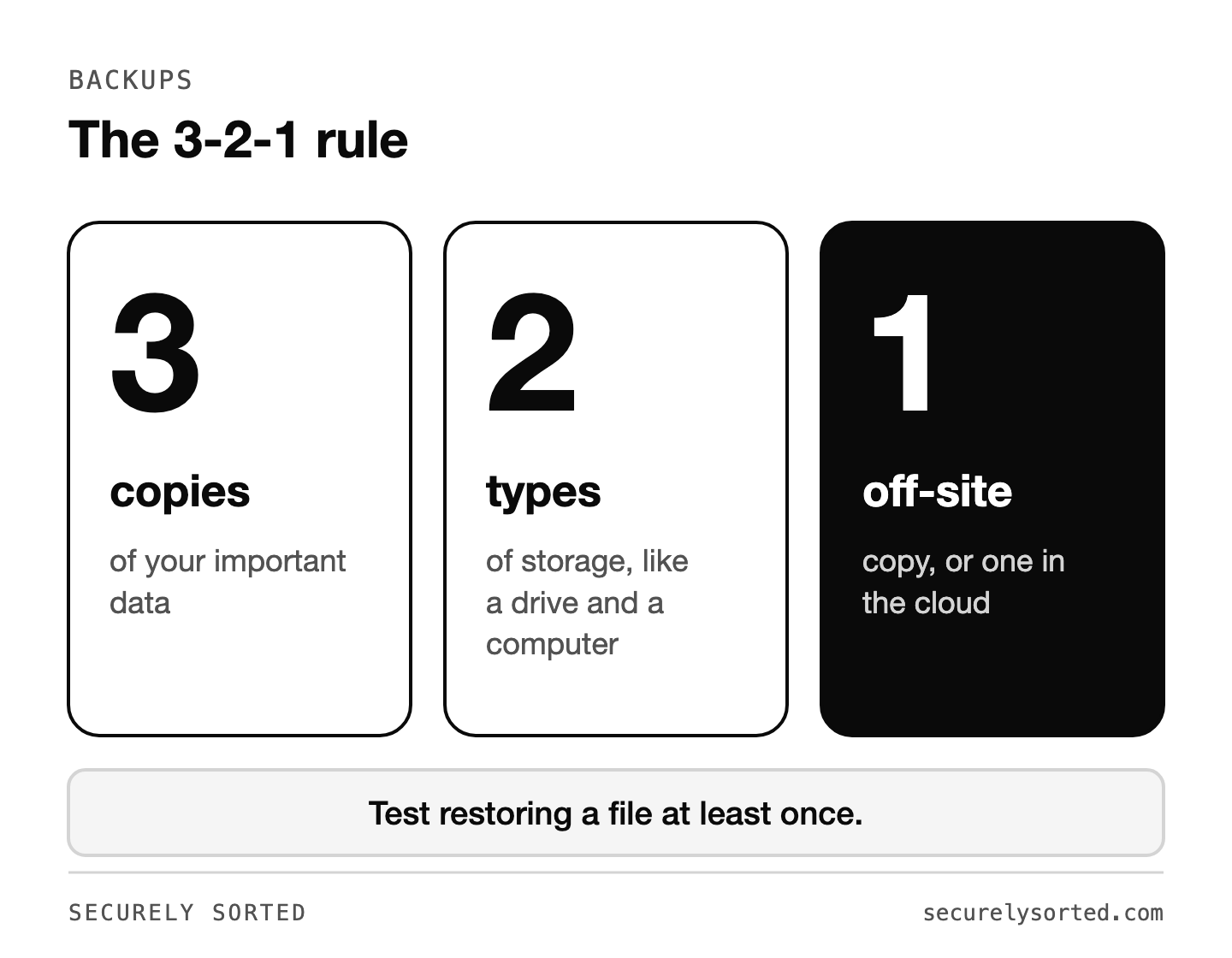
5. Back up with the 3-2-1 rule
Keep 3 copies of important data, on 2 different types of storage, with 1 copy off-site or in the cloud. Test restoring a file at least once. Backups are your best defense against ransomware.
For the local copies, an external hard drive or SSD is the simplest option. Check price on Amazon.
6. Train your team to spot phishing
Most breaches start with a convincing email or text. Teach everyone to slow down on anything urgent, check the sender’s real address, and confirm payment or password requests by phone using a known number.
7. Secure your Wi-Fi
Change the router’s default admin password, use WPA3 or WPA2 encryption, and put customers and guests on a separate guest network.
If your router is several years old and no longer gets security updates from its maker, it’s time to replace it. Check price on Amazon.

8. Give people only the access they need
Not everyone needs admin rights or access to every account. Limiting access limits the damage if one account is compromised.
9. Encrypt laptops and phones
Turn on BitLocker (Windows) or FileVault (Mac), and require a passcode on phones. A lost laptop becomes an inconvenience instead of a data breach.
10. Have a simple “what if” plan
Write down who to call and what to do if you’re hacked: your bank, your IT help or software vendors, and how to reach customers. A one-page plan saves hours of panic.
Remote or traveling team? Add a VPN
If anyone works from coffee shops, airports, or hotels, a VPN protects their connection on public networks. See What Is a VPN?
If you’re short on time, steps 1 and 2 are the fastest wins. Two-step login and a password manager take under an hour to set up and close off the most common way business accounts actually get broken into.
Free resources

Mcarthur, Founder of Securely SortedI’ve spent 5+ years in hands-on technical support, and now I’m writing the guides I wished existed.