This post contains affiliate links. If you buy through them, Securely Sorted may earn a commission at no extra cost to you. As an Amazon Associate, we earn from qualifying purchases. Learn more.
A lot of security cameras are cheap to buy and expensive to own, because the useful features (saved video, smart alerts) sit behind a monthly cloud plan. If you’d rather pay once, look for cameras that store video locally. Here’s how that works and what to check before you buy.
Cloud vs local storage
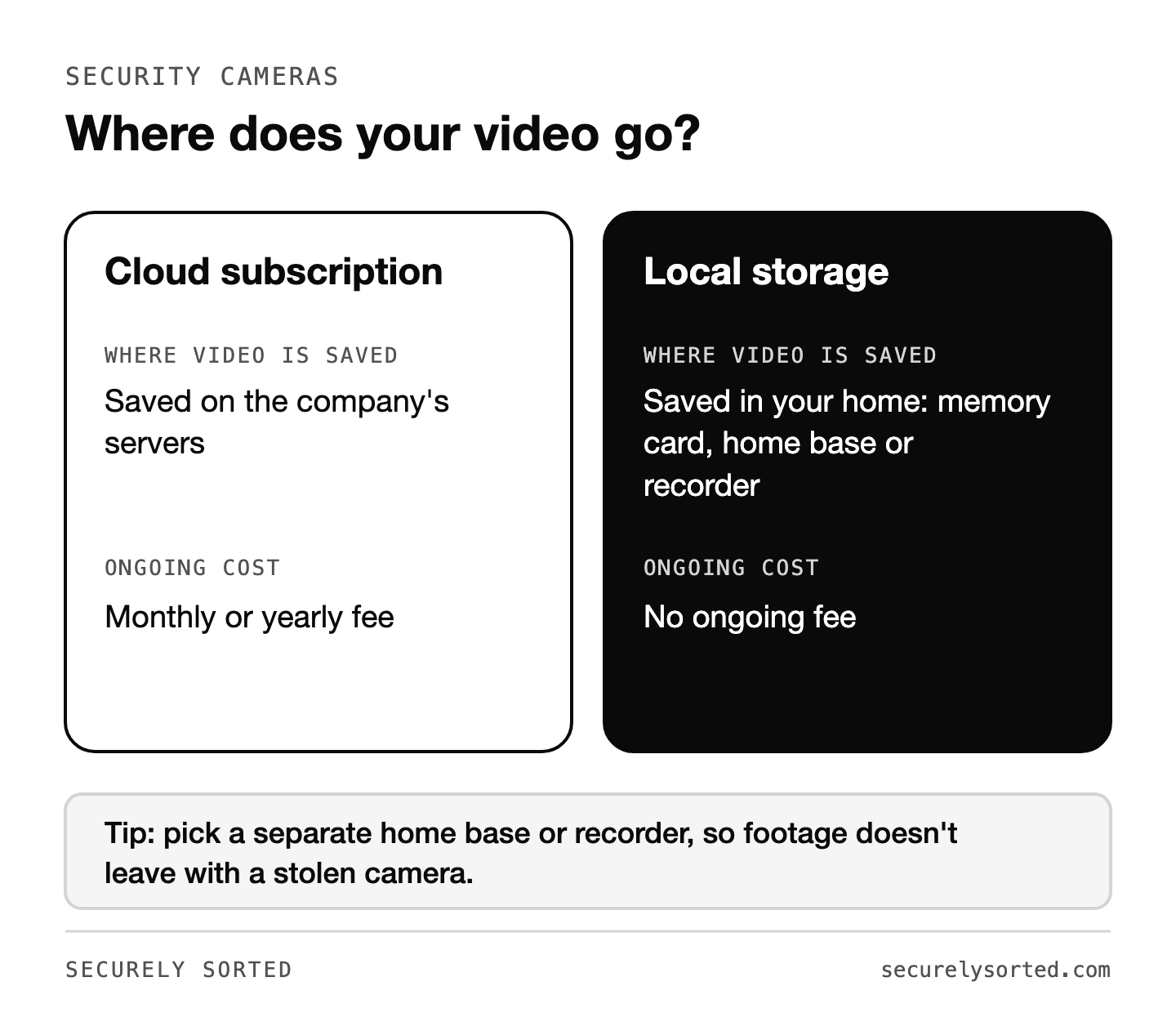
| Cloud subscription | Local storage | |
|---|---|---|
| Where video is saved | Company’s servers | A memory card, home base, or recorder in your home |
| Ongoing cost | Monthly or yearly fee | None (sometimes optional cloud add-on) |
| If a thief takes the camera | Footage is safe in the cloud | Footage on a camera’s memory card can go with it; a separate home base or recorder avoids this |
| Privacy | Depends on the company’s security | Video stays in your home |
What to look for
- A separate storage hub (home base or recorder) rather than only a memory card in the camera
- On-device person and vehicle detection so you get useful alerts without a subscription
- End-to-end encryption or strong encryption for remote viewing
- Two-step login on the camera app account
- Wired vs battery: wired or PoE (power over ethernet) cameras never need charging; battery cameras are easier to install
- Night vision and resolution good enough to recognize faces at your door
Brands known for local storage
- eufy: many cameras record to a HomeBase hub in your home with no required fee. Note: eufy was criticized in 2022 for how some camera data was handled and has since made changes, though some users still report firmware hiccups with local storage; read its current privacy details before buying. Check price on Amazon.
- Reolink: popular for wired and PoE systems that record to a network video recorder (NVR) or memory card. Check price on Amazon.
- Arlo: excellent cameras, but most smart features need a subscription. Better for people who want cloud backup. Check price on Amazon.
Prefer to shop on Amazon? See local-storage security cameras on Amazon.
Don’t forget these
- Respect privacy laws. Don’t point cameras into neighbors’ windows or yards, and check your state’s rules on recording audio, which are stricter than video in many places.
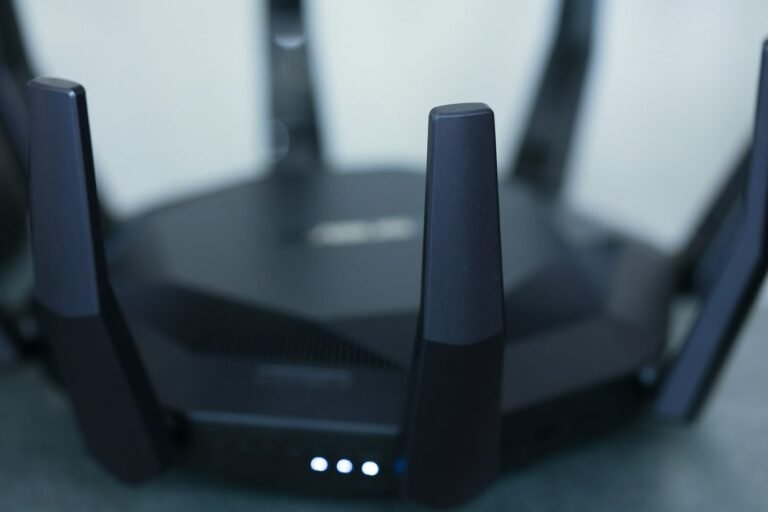
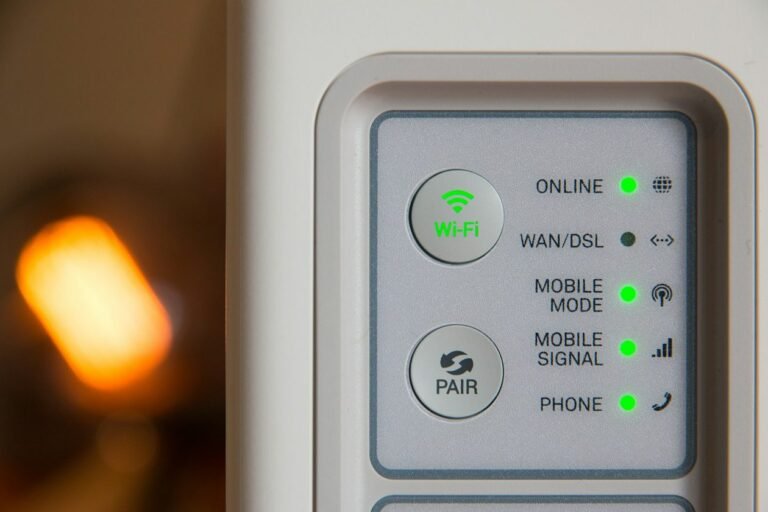
- Secure your Wi-Fi and router first. A camera is only as safe as the network it’s on.
- Update the camera’s firmware regularly.
- Use a high-endurance memory card if your camera records to one. These are made for nonstop recording, which wears out regular cards faster. Check price on Amazon.
Before you buy, check how much local storage the camera actually holds and how many days of footage that gets you. It’s easy to focus on resolution and miss that detail, then find out your “no subscription” camera only keeps three days of video before overwriting itself.
Local-storage cameras can save you a monthly bill and keep your video in your home. Choose one with a separate storage hub, on-device detection, and strong account security, and set it up on a secure network.

Mcarthur, Founder of Securely SortedI’ve spent 5+ years in hands-on technical support, and now I’m writing the guides I wished existed.